

Google Calendar
The Google Calendar data source connector uses the Google Calendar API to download all calendars available in your account, including events and their details (organizer, location, attendees, reminders, notifications, attachments, description, etc.). It can also be used for downloading Google owned calendars with all national holidays.
Create New Configuration
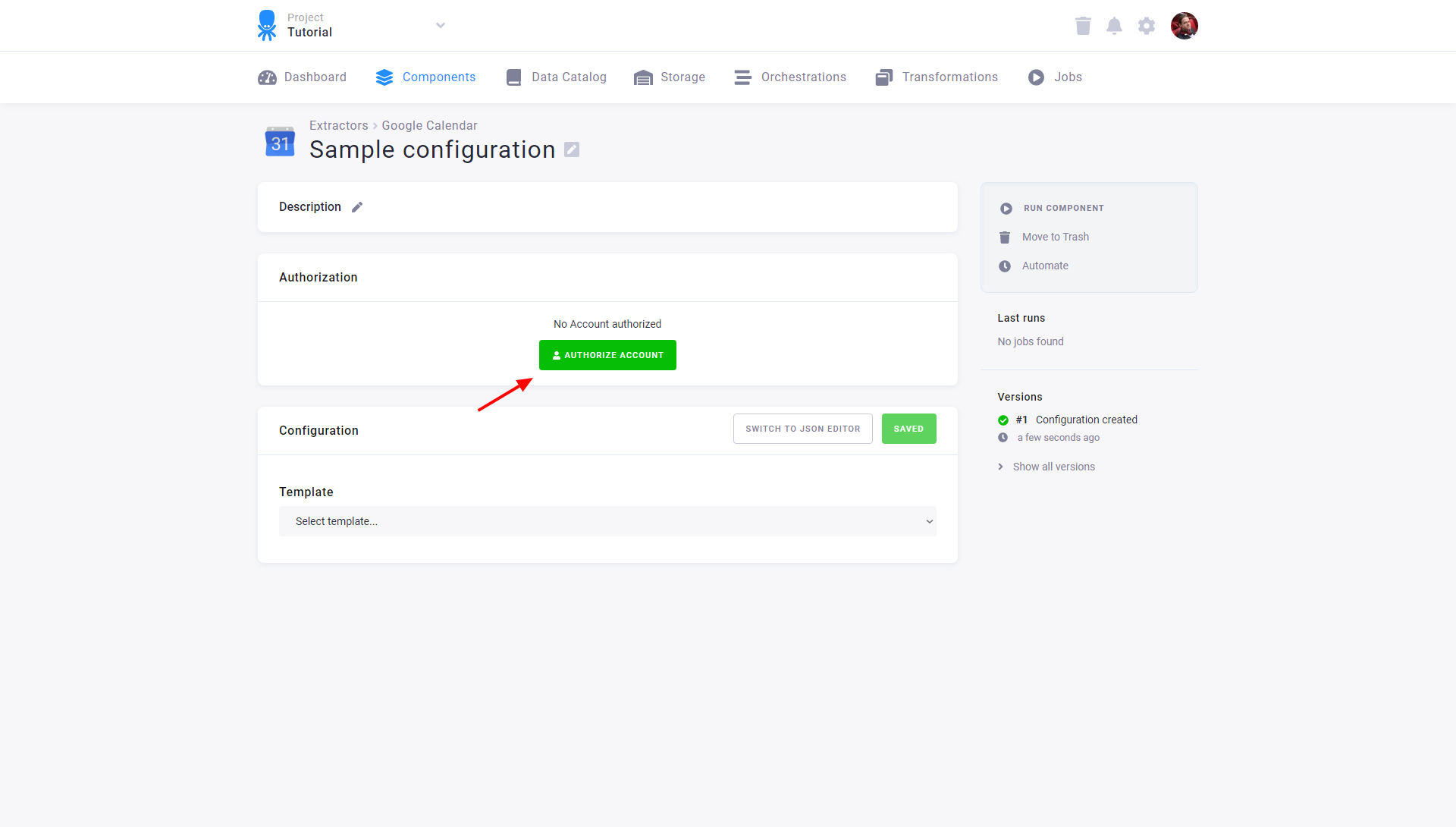
Section titled “Create New Configuration”Create a new configuration of the Google Calendar connector. Then click Authorize Account to authorize the configuration.
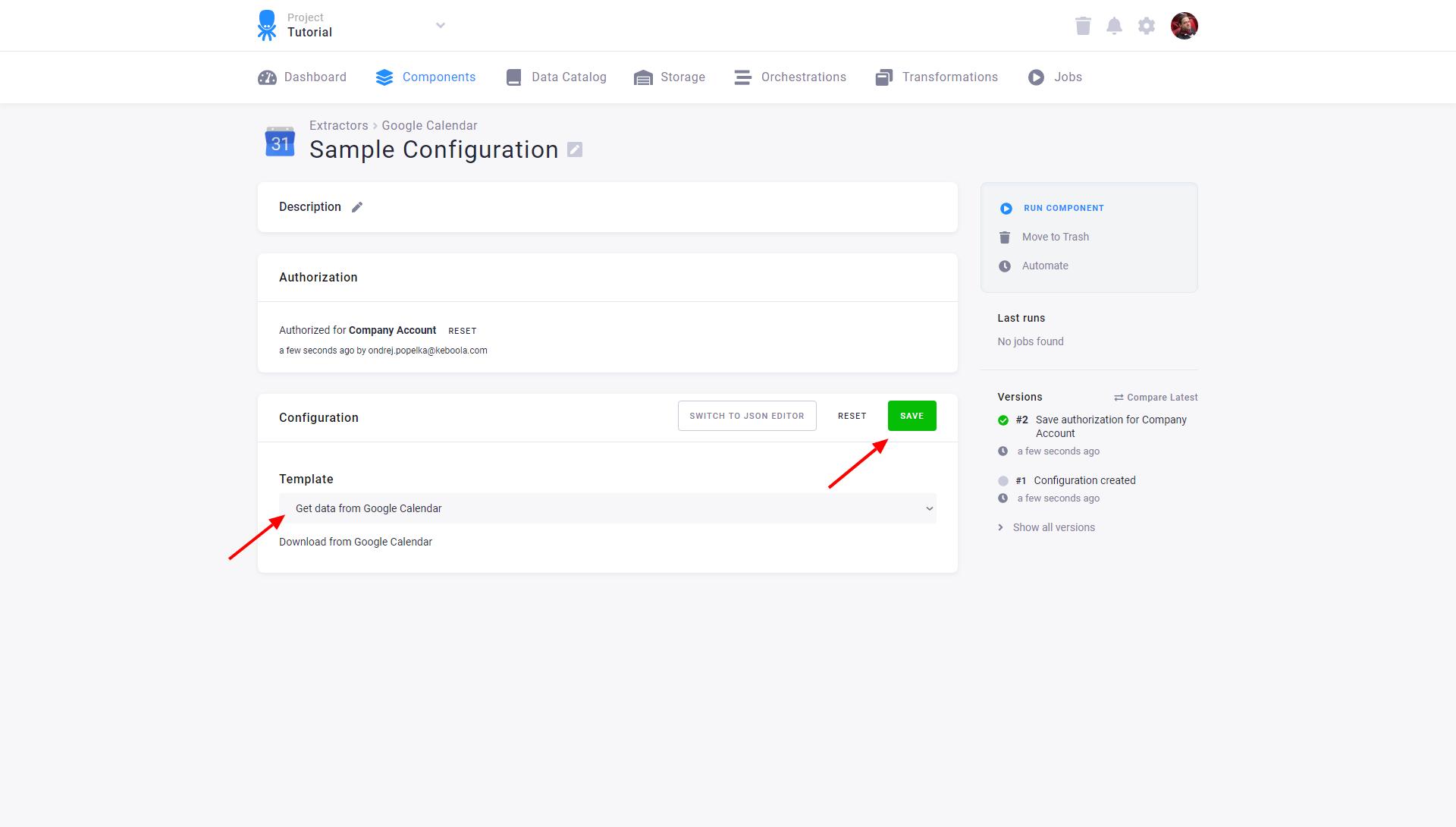
Select the configuration template and save the configuration. There is only one Google Calendar template available so far — Get data from Google Calendar. All your Google Calendar data will be downloaded. You can also switch to the JSON editor.
API Limits
Section titled “API Limits”The Google Calendar API has a courtesy limit of 1,000,000 queries per day. If you need more, the limit can be changed.