

Prepare File Manipulating Configurations
In the previous part of our tutorial on using development branches, you prepared production configurations that manipulate tables. Now you will create the production configurations that work with files.
Create Transformation
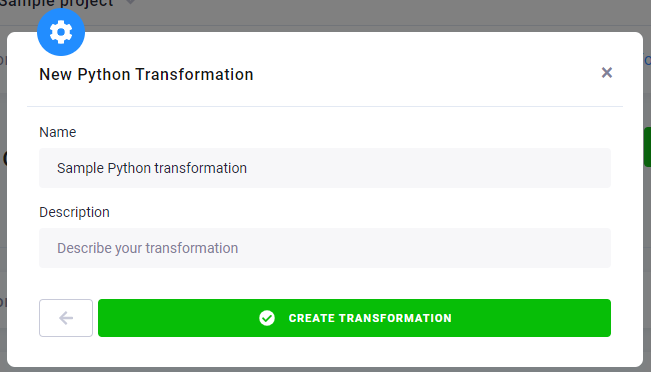
Section titled “Create Transformation”Let’s create a production Python transformation with a simple code first. In your testing project,
create a new Python transformation and name it Sample Python transformation.
Add a new code in Block 1 named Hello world, insert the following code, and save it.
f = open("out/files/demoFile.txt", "a")f.write("Hello World!")f.close ()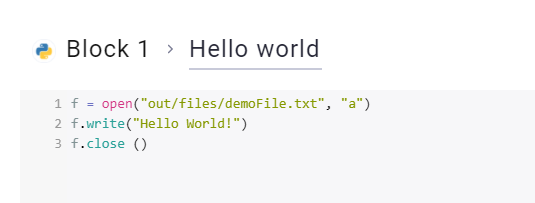
Set Output Mapping
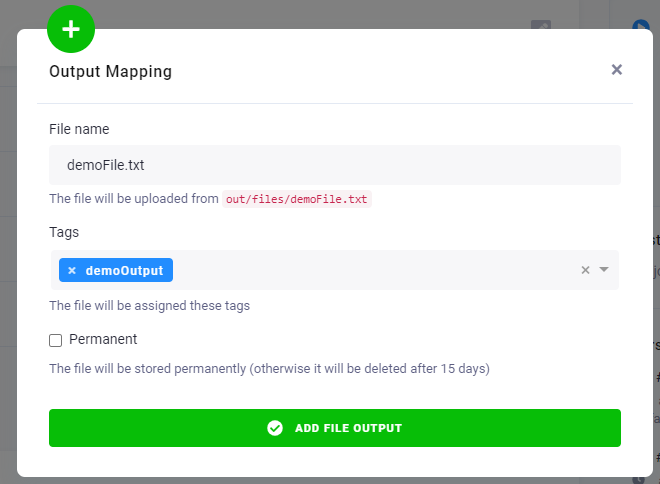
Section titled “Set Output Mapping”Now go to the section File Output Mapping and click New File Output. Because the output of the
transformation will be the file demoFile.txt, let’s set it as Source and demoOutput as Tags. This means
that the output will be stored in Storage as demoFile.txt with the tag demoOutput. Click Add File Output.
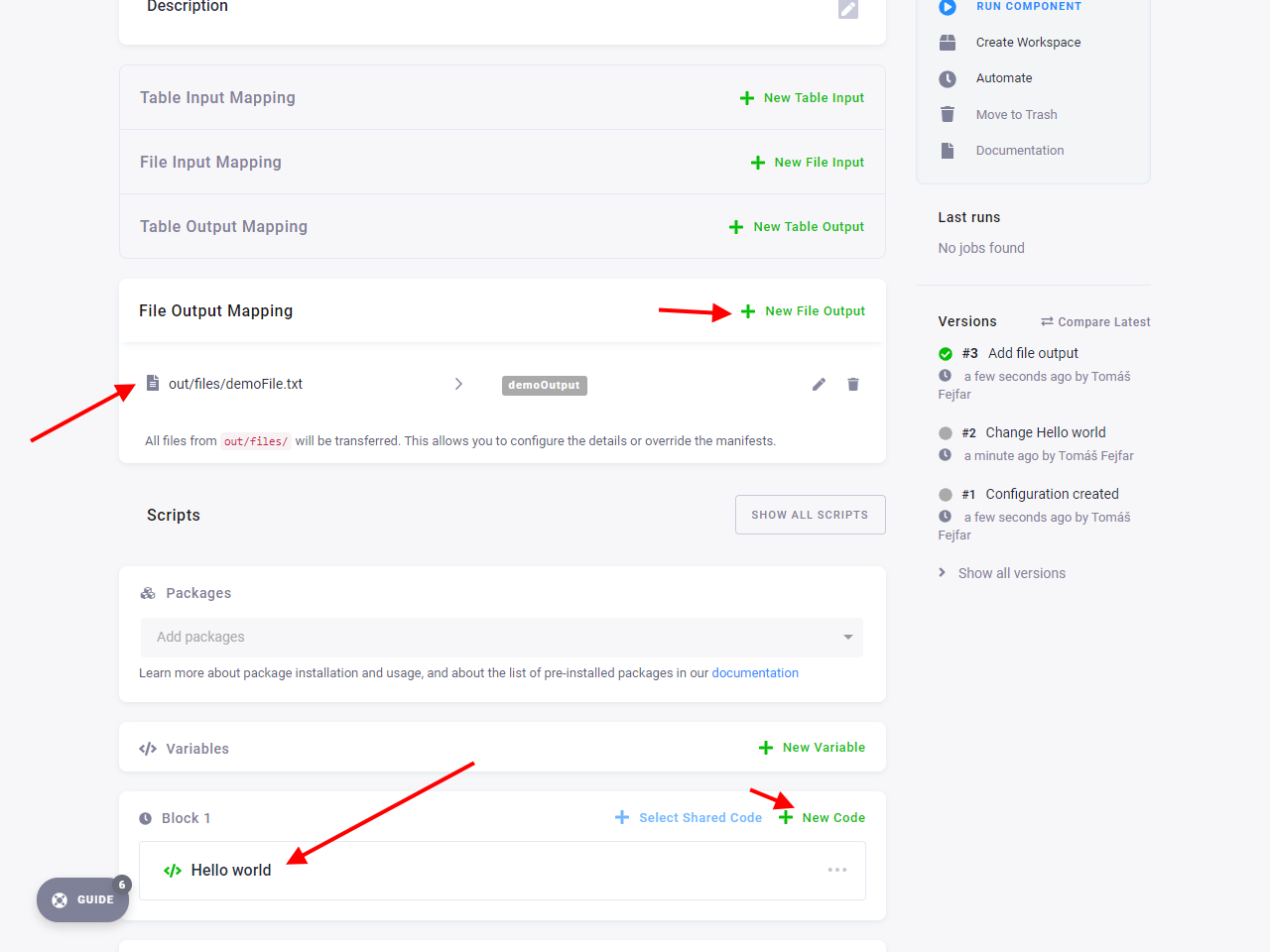
Here is the finished transformation.
Run Transformation
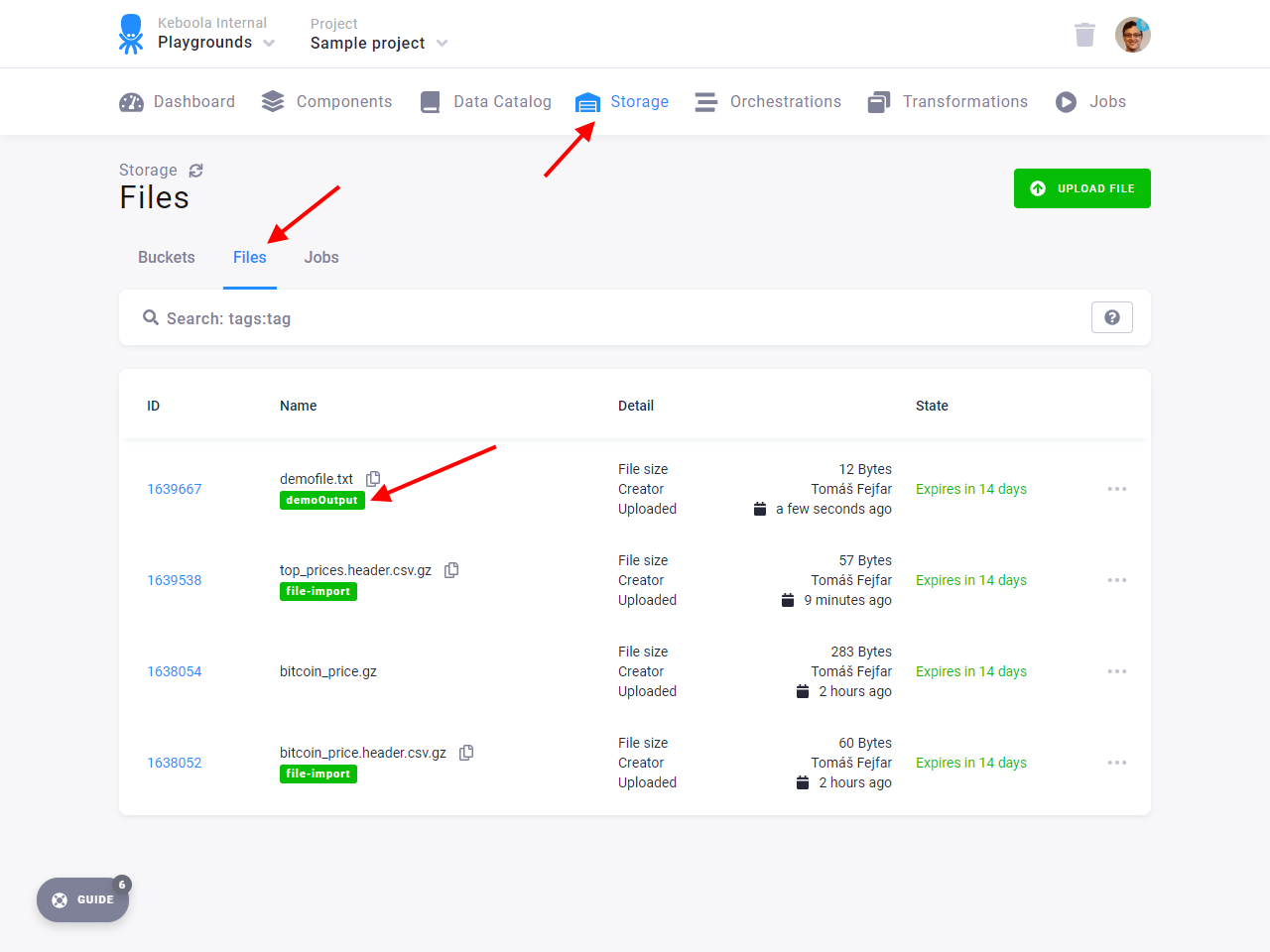
Section titled “Run Transformation”Now run the component. After the job is finished, go to Storage — Files, where you can see
the file demoFile.txt generated.
At this point, you have everything ready. You created production configurations for both tables and files. It is time to take the next step: