

Slack
The Slack data source connector uses the Slack API to fetch data from Slack and to bring it to Keboola.
Create New Configuration
Section titled “Create New Configuration”Create a new configuration of the Slack connector. Then click Authorize Account to authorize the configuration.
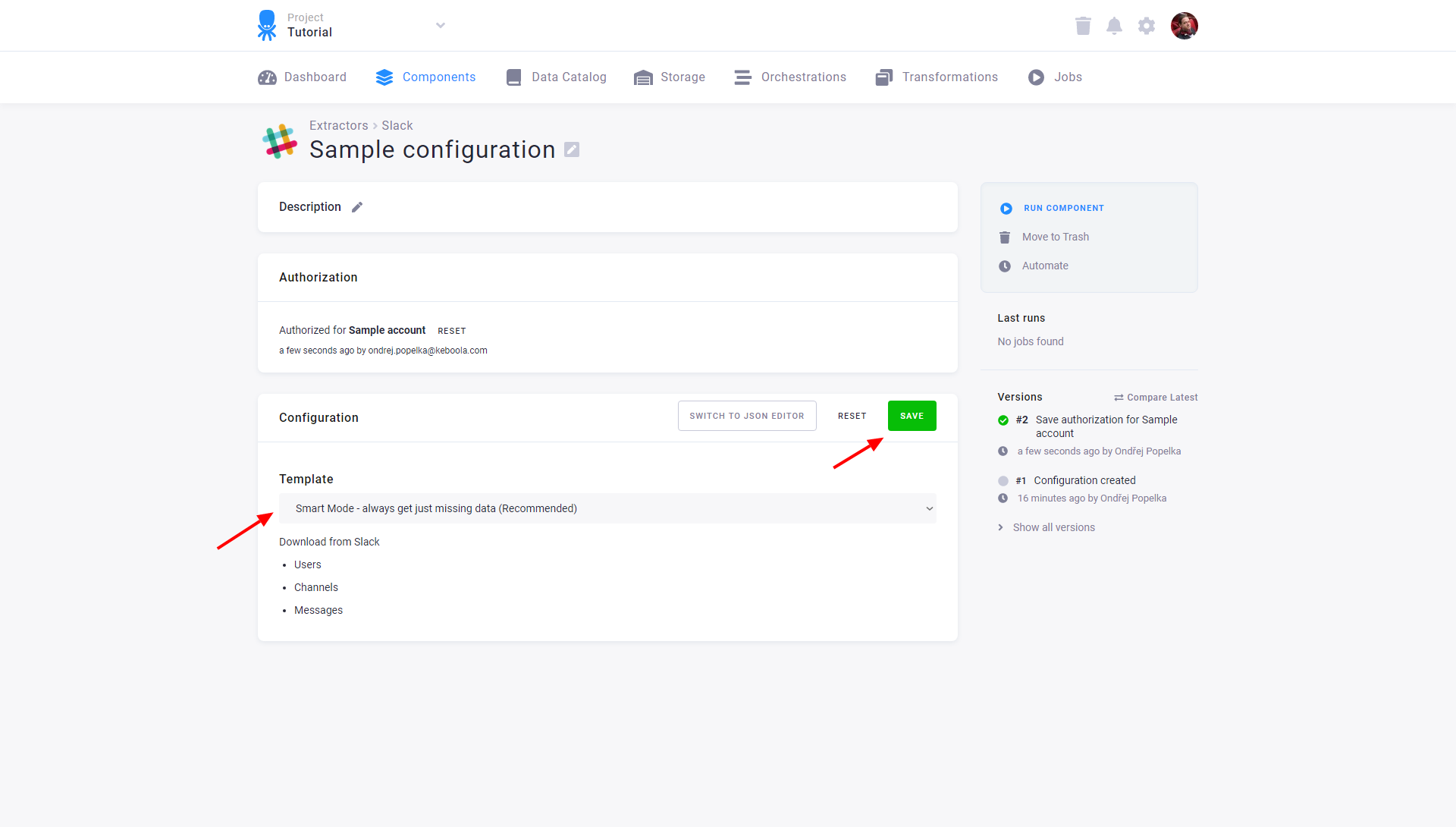
Select the template you wish to use:
- Smart Mode — using this mode you always get just missing data (recommended), loads data incrementally.
- Full Mode — using this mode you always get everything.
You can download:
- Users
- Channels
- Messages
After you select one of the two templates, remember to save the configuration.
You can also switch to the JSON editor.